Offensive Security Introduction – D.R.D Security Training Wing (Solved)
Offensive Security is a core pillar of organizational cybersecurity. It focuses on evaluating existing security controls by actively testing them—attempting to identify weaknesses before real attackers can exploit them. This proactive approach enables organizations to understand their true security posture and improve resilience.
At D.R.D Security – Training Wing, we train learners to think like ethical attackers while strictly following legal and professional boundaries.
Role of Offensive Security Teams
An Offensive Security team primarily consists of:
- Vulnerability Assessment (VA) professionals
- Penetration Testing (PT) specialists
These teams continuously research and adopt new tools, techniques, and attack methodologies to simulate real-world threats against systems, networks, and applications.
The testing lifecycle typically includes:
-
Reconnaissance
-
Scanning & Enumeration
-
Exploitation
-
Privilege Escalation
-
Reporting & Remediation
Upon completion, findings are documented based on:
- OWASP Top 10
- Critical Security Vulnerabilities
- Risk impact assessment
- Recommended remediation steps
Lab Scenario Overview (TryHackMe – Offensive Security Intro)
In this task, learners are provided with:
- A banking web application
- Logged-in access as a standard user
- Authorization to test the application in a controlled lab environment
This exercise represents a realistic penetration testing scenario, commonly faced by offensive security professionals.
Objective of the Task
The objective is to identify hidden directories within the web application that may expose sensitive functionality or misconfigurations.
Such directories often:
- Are not linked publicly
- Contain admin panels, backups, or test endpoints
- Lead to further attack vectors
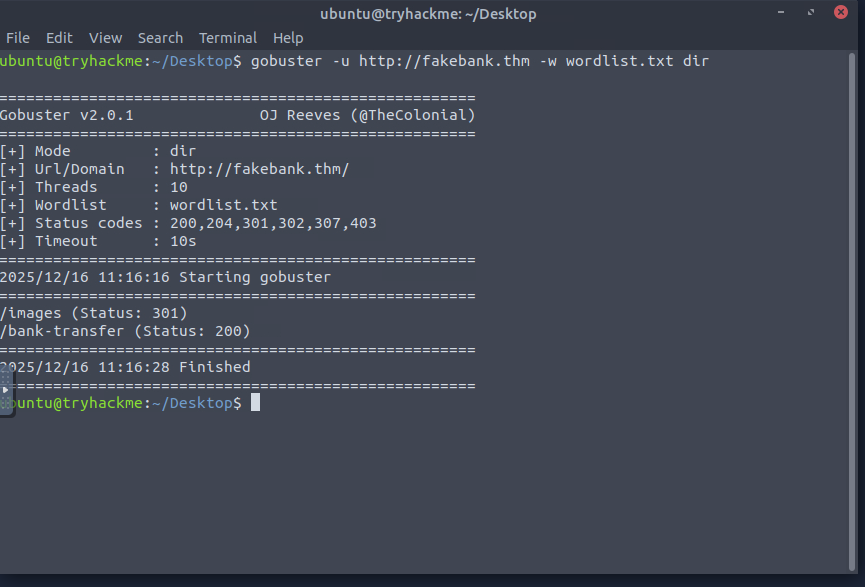
Tool Used: GoBuster
GoBuster is a directory and file brute-forcing tool widely used in penetration testing.
Why GoBuster?
- Fast and reliable
- Uses wordlists to discover hidden paths
- Commonly used during the reconnaissance and enumeration phase
Solution Approach (D.R.D Security Methodology)
Step 1: Identify the Target
- Confirm the target IP or domain of the banking application
- Ensure lab authorization is active
Step 2: Choose the Appropriate Wordlist
- Select a standard directory wordlist suitable for web applications
- Understand that wordlists impact result accuracy
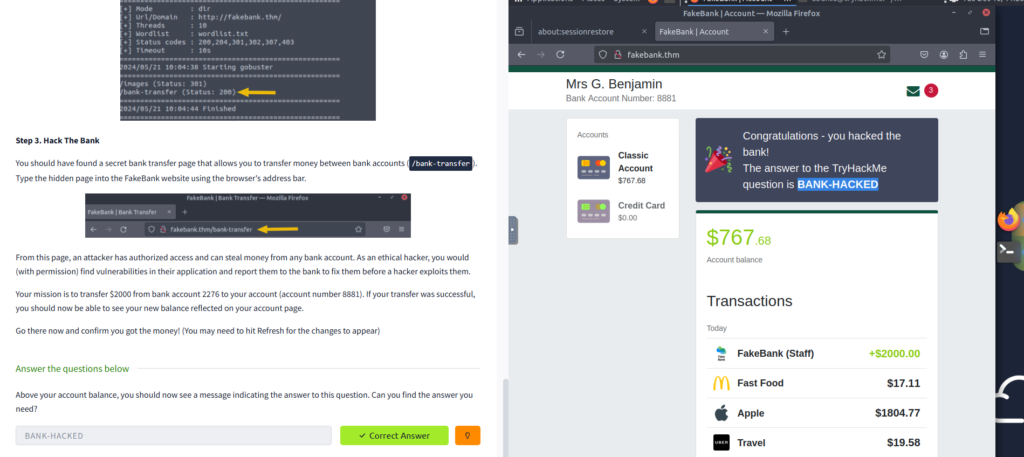
Step 3: Run Directory Enumeration
- Execute GoBuster in directory enumeration mode
- Monitor responses such as 200 OK, 301 Redirect, or 403 Forbidden
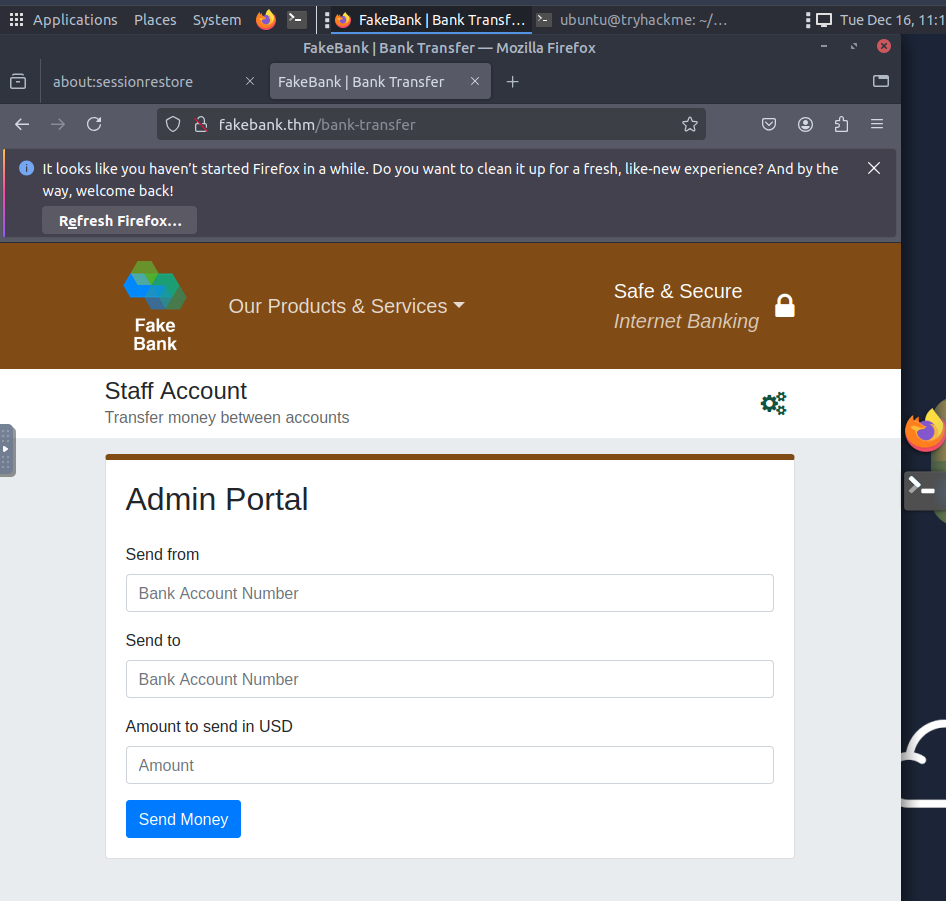
Step 4: Analyze Discovered Directories
- Identify directories not visible through normal navigation
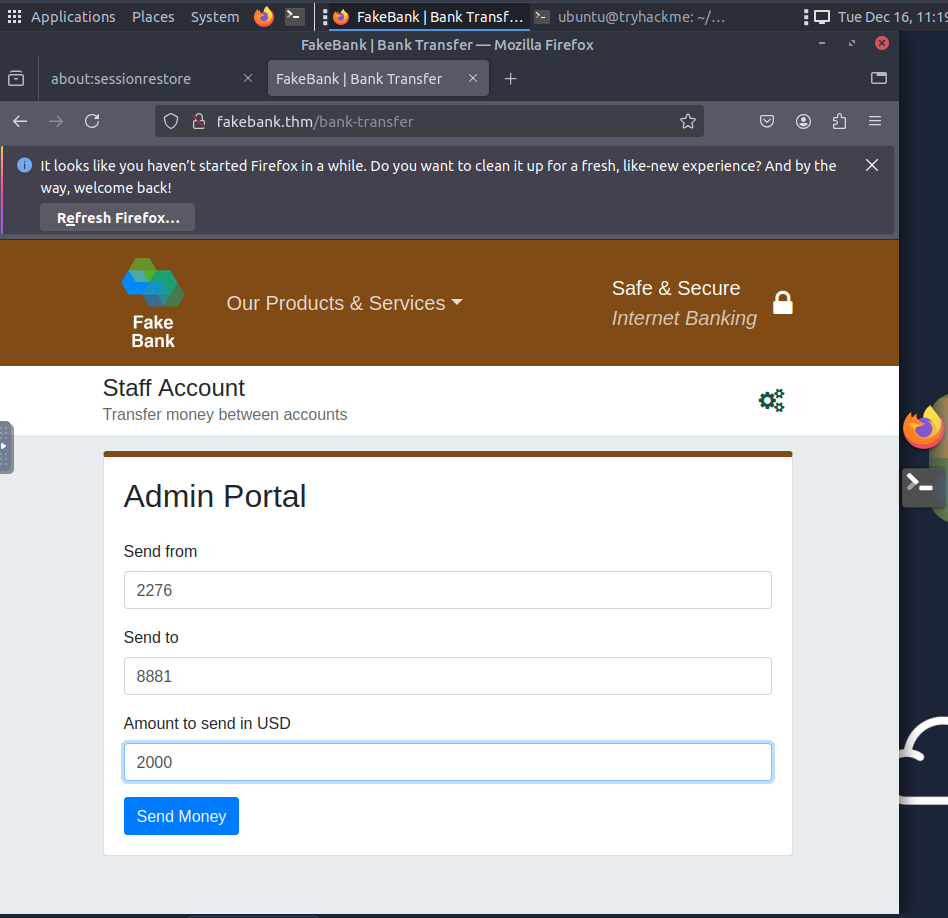
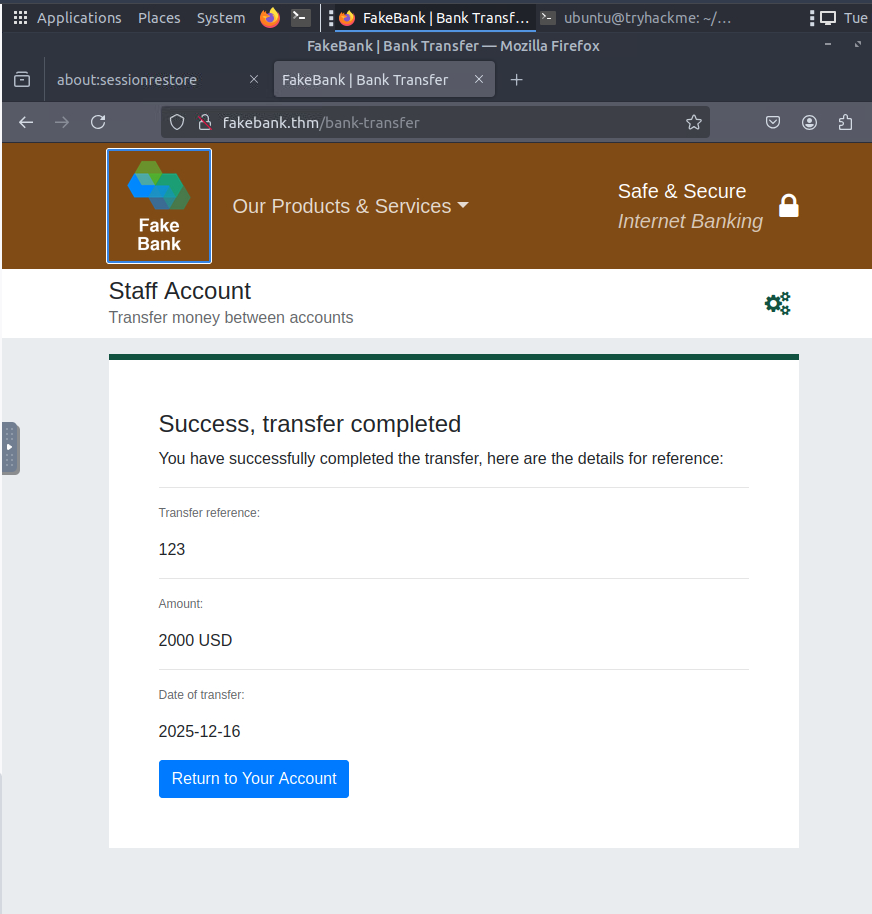
- Check which directories are accessible with the current user privileges
Step 5: Document Findings
- Note discovered directories
- Assess security risk
- Consider what sensitive functionality could be exposed