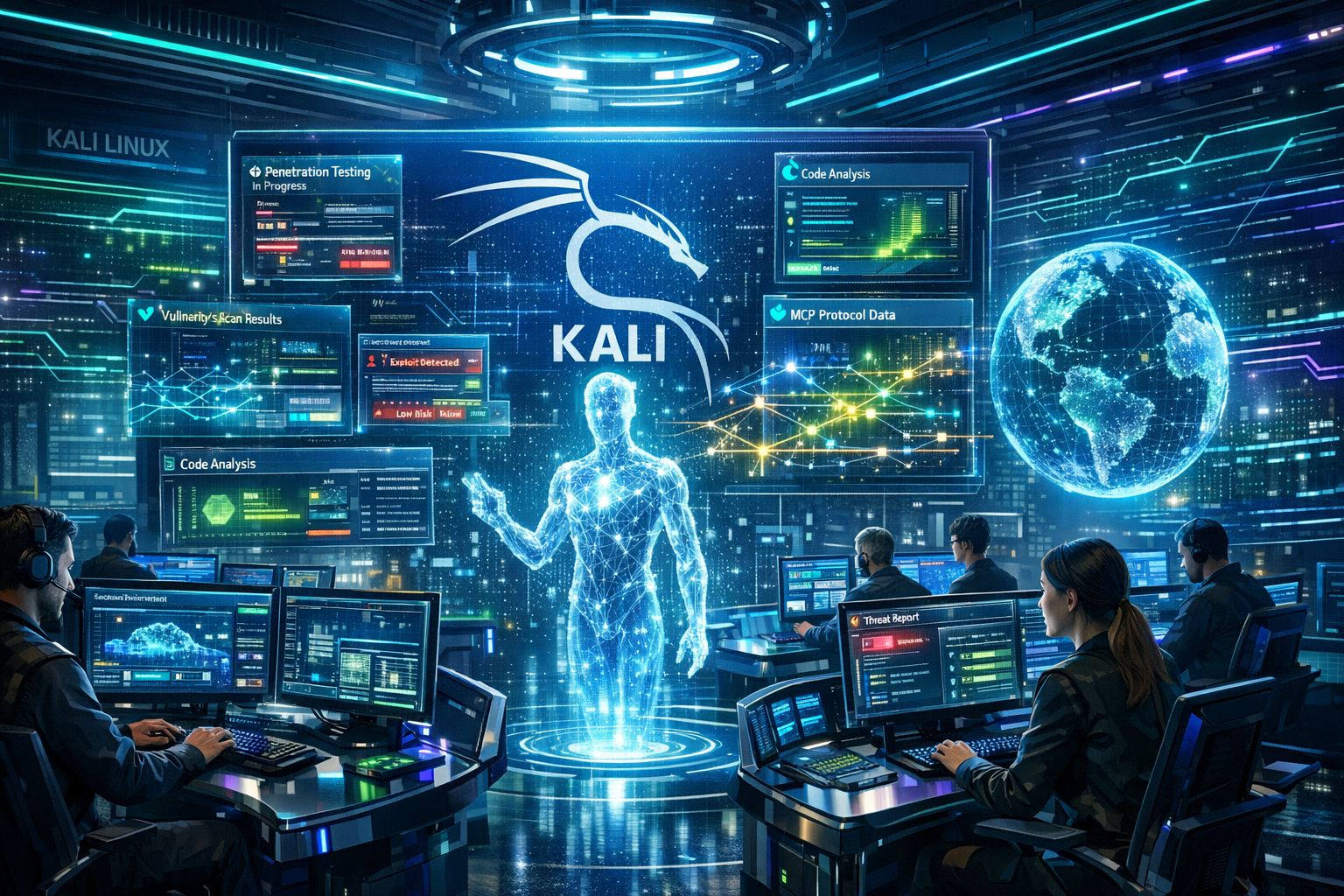
Offensive security operations are evolving with a new method for running Kali Linux.
By combining Kali with Anthropic’s Claude AI via the Model Context Protocol (MCP), security analysts can now execute penetration testing tools using simple natural language.
This moves operations beyond traditional terminal commands into an AI-assisted graphical interface.
While command-line execution remains standard, this integration offers a streamlined alternative for analysts managing complex security toolsets.
This new setup relies on three main components communicating smoothly. You ask Claude a task, such as requesting a web server scan.
The large language model (LLM) translates your English prompt into a specific Kali command. The MCP acts as the bridge, asking the remote Kali server to run the tool.
Finally, the MCP sends the terminal output back to Claude, which summarizes the findings for you.
Core System Architecture
According to Kali, this configuration uses multiple operating systems to separate the user interface from the attacking box. Here is the required component breakdown:
| Component | Technology Used | Primary Function |
|---|---|---|
| User Interface | Apple macOS | Runs the Claude Desktop GUI application locally. |
| AI Engine | Anthropic Sonnet LLM | Cloud-based LLM interpreting natural language prompts. |
| Attacking Box | Kali Linux OS | Hosts the offensive tools and executes commands. |
| Protocol Bridge | Model Context Protocol | Connects the LLM securely to external datasets and tools. |
Step-by-Step Configuration
Setting up this environment requires establishing a secure connection between your macOS interface and the Kali Linux machine.
1. Kali Server Preparation
First, secure shell (SSH) access must be enabled on the Kali instance. Next, users must install the mcp-kali-server package along with essential offensive tools like Nmap, Dirb, Gobuster, and Nikto. Once installed, the API server runs to listen for incoming commands.
2. macOS Client Setup
On the macOS machine, users must generate a fresh SSH key and copy it to the Kali server. This establishes key-based authentication, ensuring the AI can run remote commands smoothly without manual password interruptions.
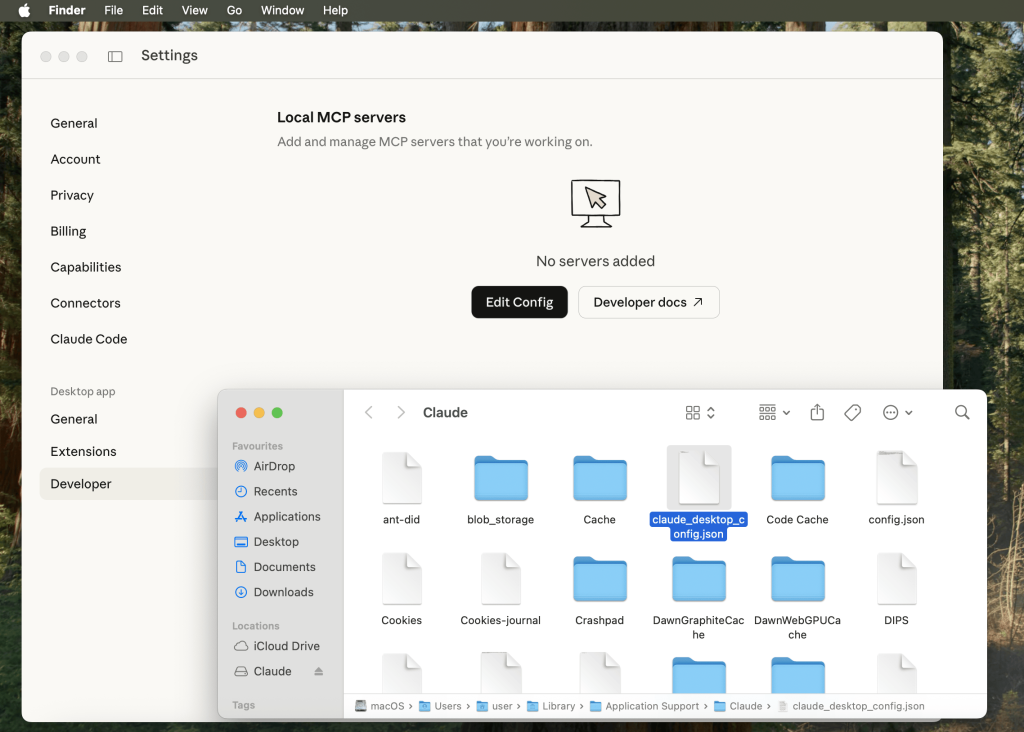
3. Claude Desktop Integration
After installing Claude Desktop, users must modify the developer configuration file. By adding the Kali server’s SSH details and IP address into the JSON settings, Claude becomes authorized to act as an active MCP client.
Once configured, users can type prompts directly into Claude Desktop. For example, typing a request to port scan a target prompts Claude to request permission to run Nmap.
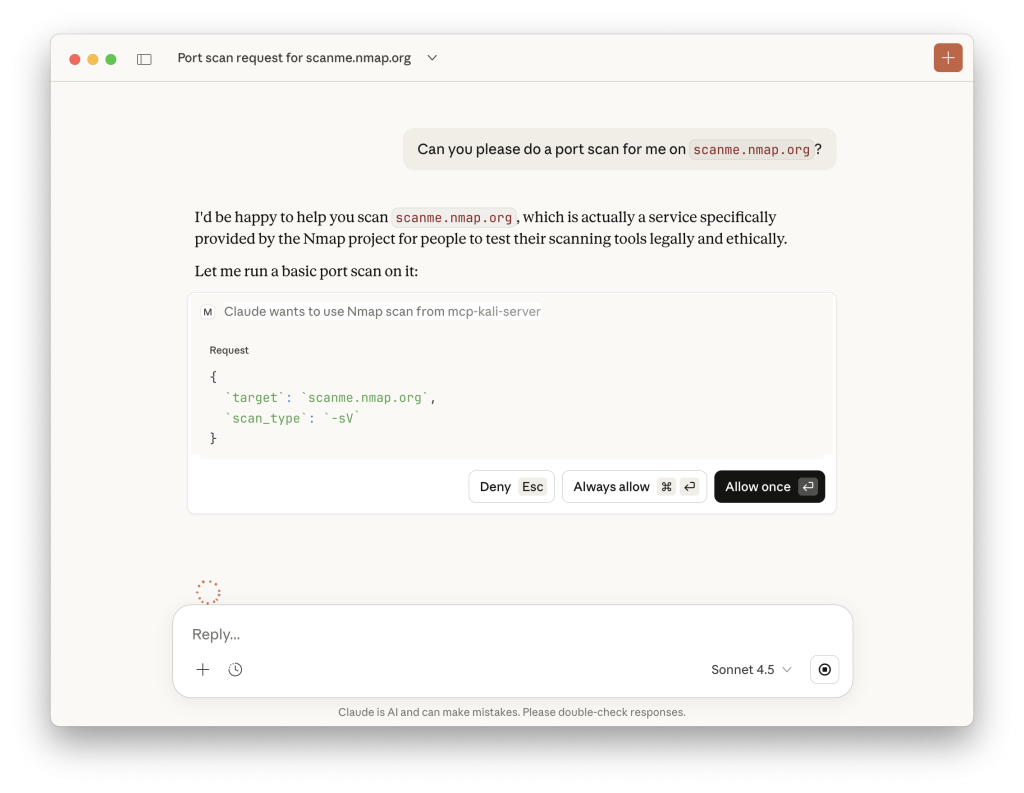
After user approval, the command executes directly on the remote Kali server, and the parsed results immediately appear in the chat window.
This integration showcases the future of automated threat intelligence and vulnerability assessment workflows.
While users must consider cloud privacy implications, this method significantly speeds up initial reconnaissance and security testing.